Construye tu propio streamer de música. Volumio OS convierte una Raspberry Pi o un PC en un reproductor de música bit-perfect, listo en menos de 10 minutos.
Gratis
Volumio Premium desde al mes, con facturación anual
Pega este prompt en Claude Code o en un agente de IA similar en tu ordenador. Descarga Volumio OS, lo graba en tu tarjeta o unidad y te guía en la configuración. Te pide permiso antes de escribir en cualquier disco.
Mostrar el prompt
Help me install Volumio OS, a free music player system, on a Raspberry Pi or a PC. I'm not technical: explain each step in plain words, one step at a time, and wait for me to say I'm done before moving on. Ask before you install anything on my computer.

1. Ask me which device I want to turn into a music player (a Raspberry Pi, or a PC) and what I'll write Volumio OS to (a microSD card for a Raspberry Pi, a USB drive for a PC). Check which operating system my computer runs.

2. Download the latest Volumio OS image for my device. Get the current download link from https://volumio.com/api/os-release ("pi" for Raspberry Pi, "pc" for PC). Don't look up versions anywhere else. If that address doesn't give you a link (for example it answers "ok": false), wait a few minutes and try again, or take the link from the download page at https://volumio.com/get-started/.
   By downloading I accept the Terms and Conditions: https://volumio.github.io/volumio-tos/
   The download is a .zip file. Unzip it to get the .img file inside. Check that my card or drive is bigger than the .img file.

3. Write the .img file to my card or drive. This erases everything on it.
   - Before writing, list the disks you can see, tell me which one you think is my card or drive (its name and size), and wait for me to confirm it. Never write to a disk I haven't confirmed, and never to the disk my computer runs from.
   - Writing needs my computer's administrator password. Tell me before you ask for it, and let me type it myself.
   - If my card shows as read-only, tell me to check the small lock switch on its side. If my computer's built-in card slot still won't write to it, suggest a USB card reader plugged straight into the computer.
   - If you can't do this safely, or I'd rather do it myself, walk me through Raspberry Pi Imager: pick the option for a custom image, select the .zip or .img file, choose my card or drive, and write it.
   - When it's done, eject the card or drive safely.

4. Help me start it: put the card or drive into the device, connect my DAC or amplifier, plug in an Ethernet cable if I can, and switch it on.
   - On a PC: right after switching it on, open the boot menu (the key shows briefly on screen, often F12, F11 or Esc) and choose the USB drive. If Windows starts instead, help me find the right key for my PC.
   - The first start takes a few minutes.

5. Help me connect to it:
   - Easiest: install the Volumio app on my iPhone or Android phone and follow its setup for a new device.
   - Or open http://volumio.local in a browser on the same network.
   - Without Ethernet, a device with Wi-Fi creates its own Wi-Fi network named after Volumio. Look up its current password and address in the Volumio help center (https://help.volumio.com/), then help me join it and choose my home Wi-Fi. Devices without Wi-Fi need the Ethernet cable.
   - If volumio.local doesn't open, help me find the device's address in my router's list of connected devices.

6. When music plays, suggest what to try next: adding my music library, web radio, and Volumio Premium (check https://volumio.com/ for what it currently includes).

If something doesn't work, ask me what I see and suggest the simplest fix first (restart the device, check the cables, try another card or drive). For more help: https://help.volumio.com/ and https://community.volumio.com/
Lo reproduce todo
Toda tu música, cualquier DAC
Escucha tus servicios de streaming, reproduce tus propios archivos de MP3 a DSD y sintoniza la radio por internet, en calidad bit-perfect. Después, envíalo todo al DAC que prefieras.
De serie
TIDAL (con Volumio Premium)
Qobuz (con Volumio Premium)
Spotify Connect
Highresaudio (con Volumio Premium)
AirPlay
UPnP y DLNA
Radio por internet
Tus archivos
Unidades USB
Unidades de red
CD (con Volumio Premium)
Bluetooth (con Volumio Premium)
Entradas (con Volumio Premium)
Home Assistant
Con plugins
Spotify
YouTube
YouTube Music
SoundCloud
Mixcloud
Bandcamp
Pandora
Radio Paradise
Pódcasts
FM y DAB+
Jellyfin
Plex
Subsonic
Roon
Lyrion
Last.fm
Reproduce en
DAC USB
Placas DAC para Raspberry Pi
DSD, nativo o DoP
Multiroom (con Volumio Premium)
Chromecast (con Volumio Premium)
Sonos (con Volumio Premium)
Tu navegador (con Volumio Premium)
En tu propio hardware, los marcados con una estrella se incluyen con Volumio Premium. Cómo funciona cada uno
Un reproductor para todo
Tus servicios de streaming, tu biblioteca y la radio por internet, juntos, en alta resolución y en calidad bit-perfect.
Hecho para tu DAC
Funciona con cualquier DAC USB 2.0. Las placas DAC para Raspberry Pi son compatibles de forma nativa, y el DSD sale por DoP.
Crece con plugins
Los plugins creados por la comunidad de Volumio añaden más fuentes y funciones.
Todo en sincronía
Con Volumio Premium, reproduce en perfecta sincronía en hasta 6 reproductores Volumio.
Gratis y Premium
Gratis para empezar, Premium cuando quieras más
Volumio OS es gratis para todos. Volumio Premium añade TIDAL y Qobuz, multiroom y las funciones inteligentes, con una prueba gratuita para conocerlo.
Para todos
Volumio OS
Gratis
Reproducción bit-perfect, con todo el sistema en RAM
FLAC, ALAC, AAC, Vorbis, MP3, DSD y más
Cualquier DAC USB 2.0, y DAC para Raspberry Pi de forma nativa
DSD sobre PCM (DoP)
Unidades de red (CIFS y NFS), detectadas automáticamente
Sí. Volumio OS es gratis para descargar y usar. Volumio Premium añade TIDAL, Qobuz, multiroom, reproducción de CD y más, con una prueba gratuita para conocerlo. Cuesta al mes, o al año.
¿Qué necesito para empezar?
Una Raspberry Pi o un PC, una tarjeta microSD (o una unidad USB para un PC) y Raspberry Pi Imager para grabar en ella Volumio OS. Después, tu móvil o un navegador para configurarlo.
¿Qué DAC funcionan con Volumio OS?
Cualquier DAC USB 2.0. Las placas DAC para Raspberry Pi son compatibles de forma nativa, y el DSD se reproduce por DoP.
¿Cómo se controla?
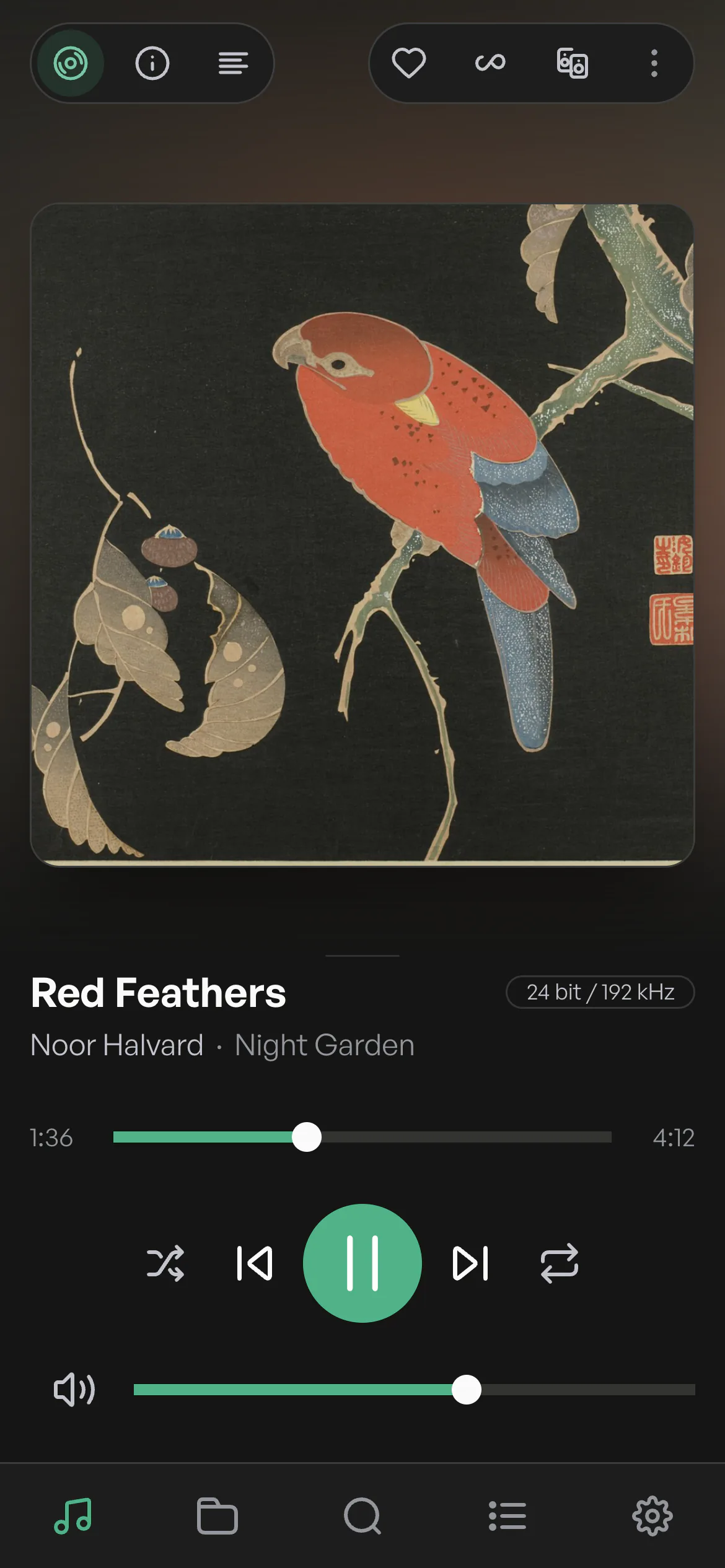
Con la app de Volumio para iPhone y Android: elige «Configurar un nuevo dispositivo» y sigue la configuración guiada. O abre volumio.local en un navegador de tu ordenador o tablet.
¿Puedo escuchar TIDAL y Qobuz?
Sí, con Volumio Premium: TIDAL y Qobuz nativos, además de TIDAL Connect y Qobuz Connect.
¿En cuántos dispositivos puedo usar Premium?
En hasta 6, con multiroom sincronizado y acceso remoto.
¿En qué se diferencia de un dispositivo Volumio?
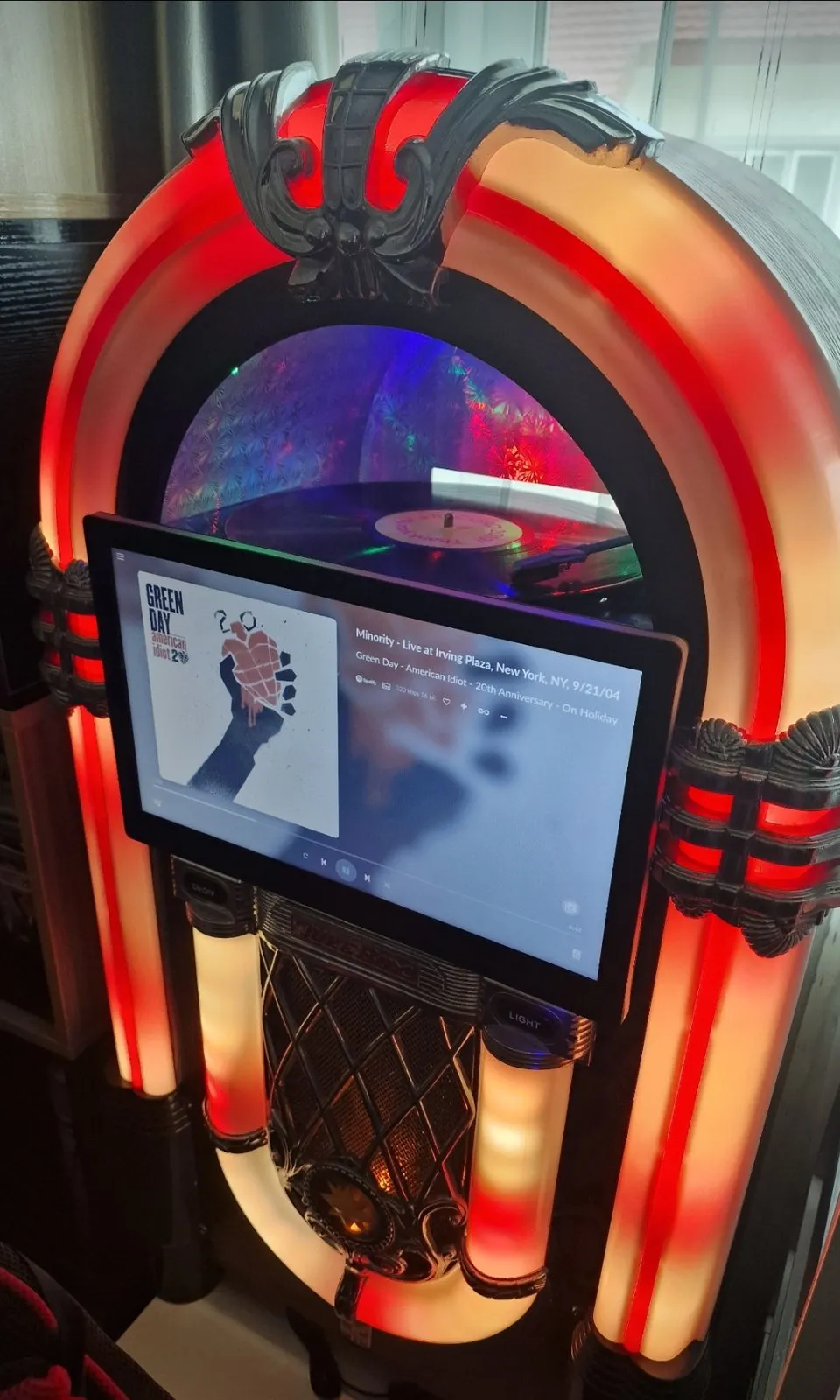
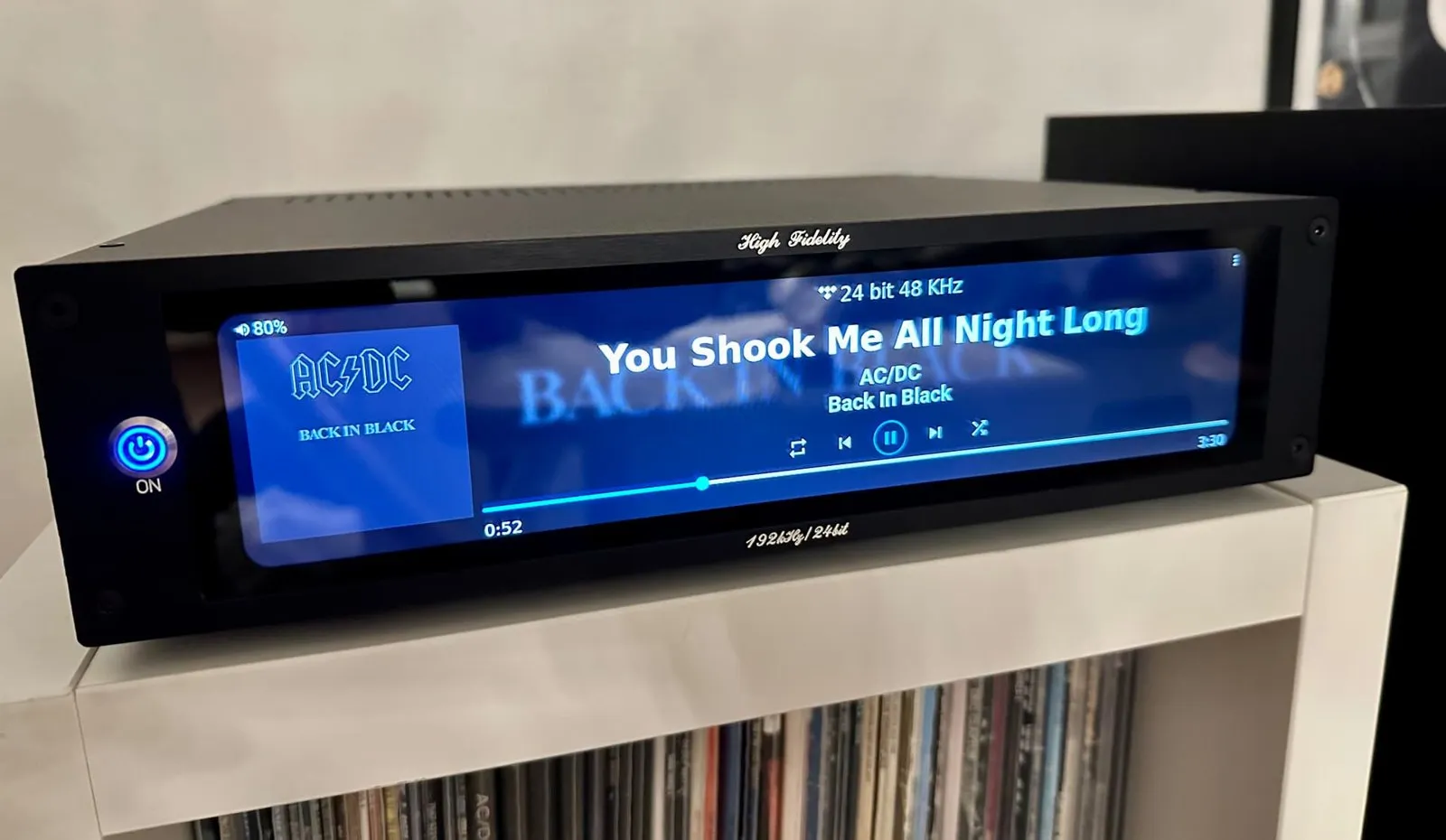
Los dispositivos Volumio no requieren conocimientos técnicos: están diseñados y ensamblados en Florencia, con las funciones Premium de serie y sin suscripción. Volumio OS crea un reproductor con el hardware que ya tienes. Ver los dispositivos
 Primo Plus
 Primo V3
 Primo V2
 Motivo
 Rivo
Rivo Rivo Plus
 Preciso
 Integro
 Lineo5
 Lineo5 Duo
 Remoto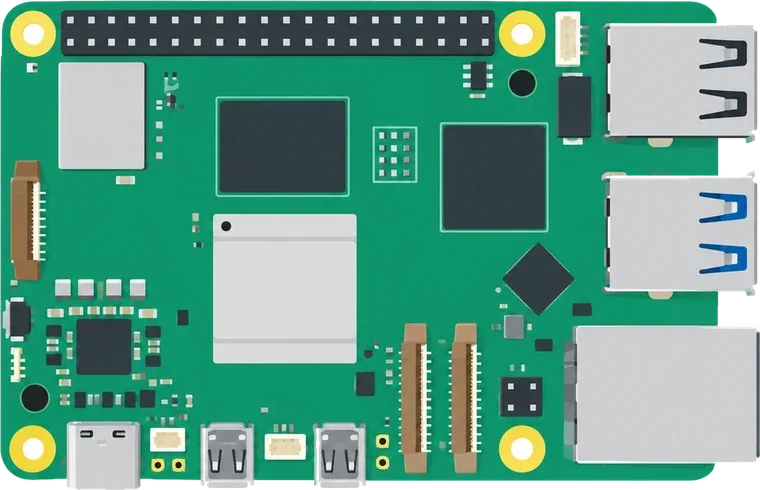
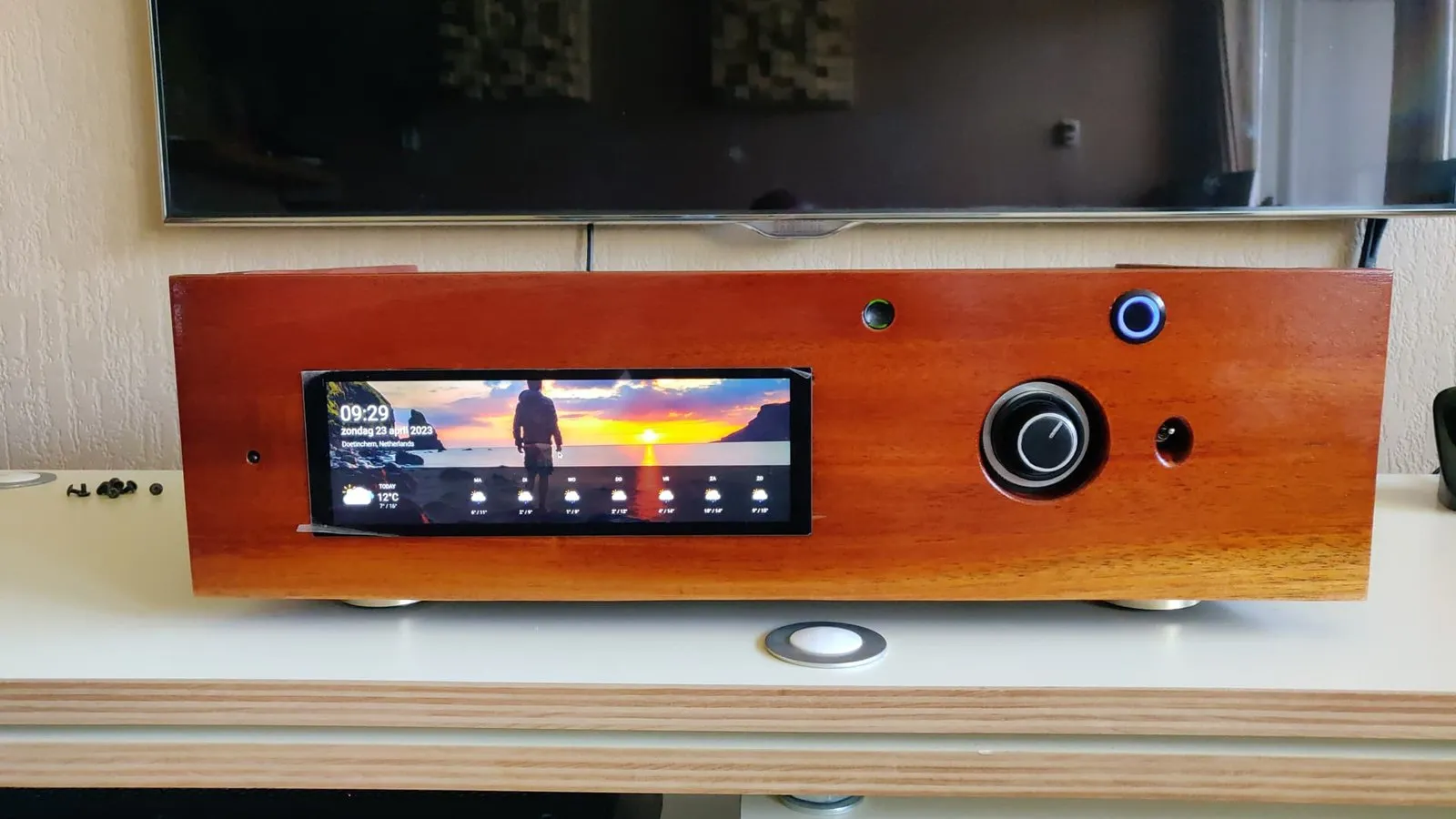
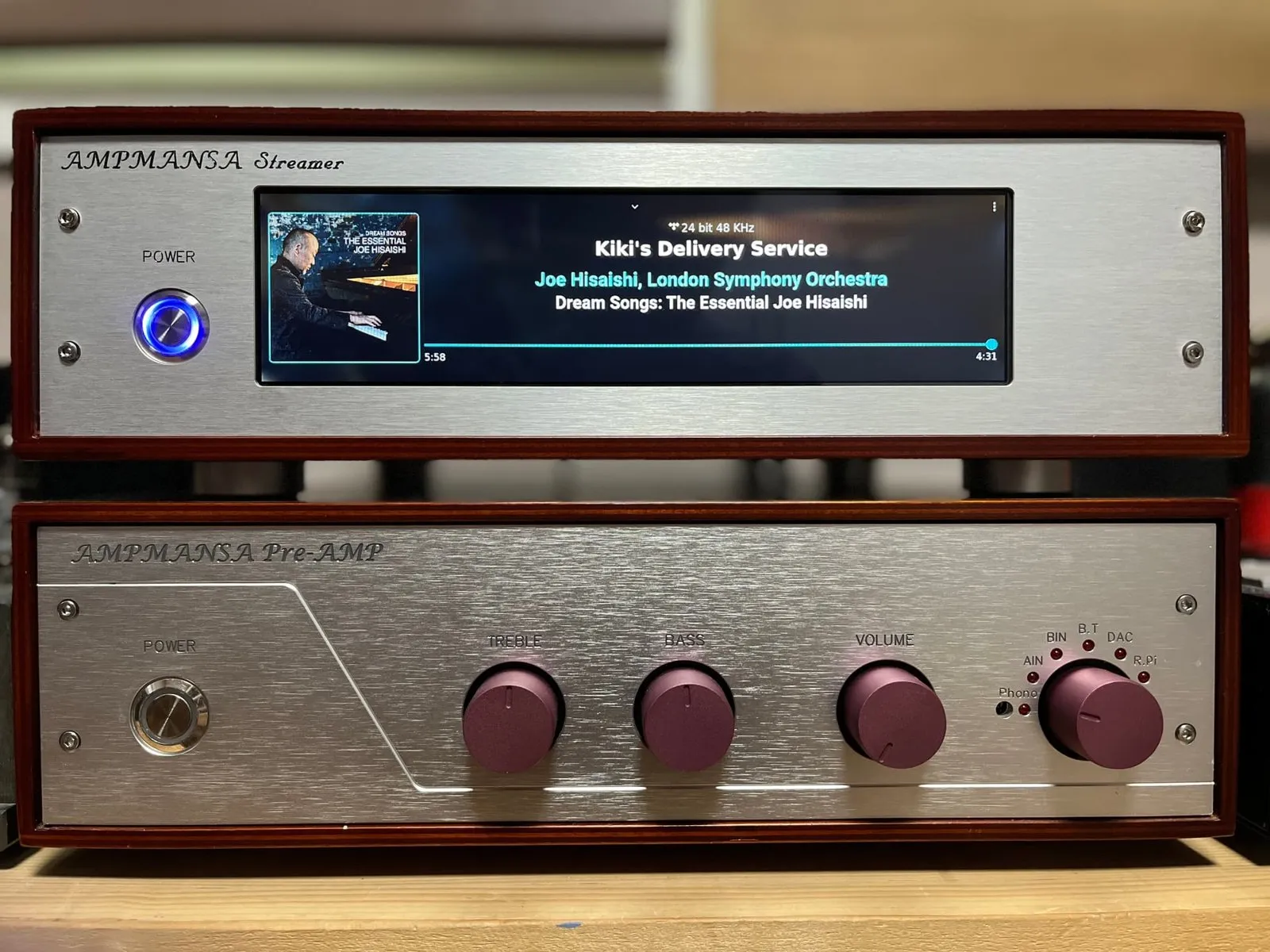
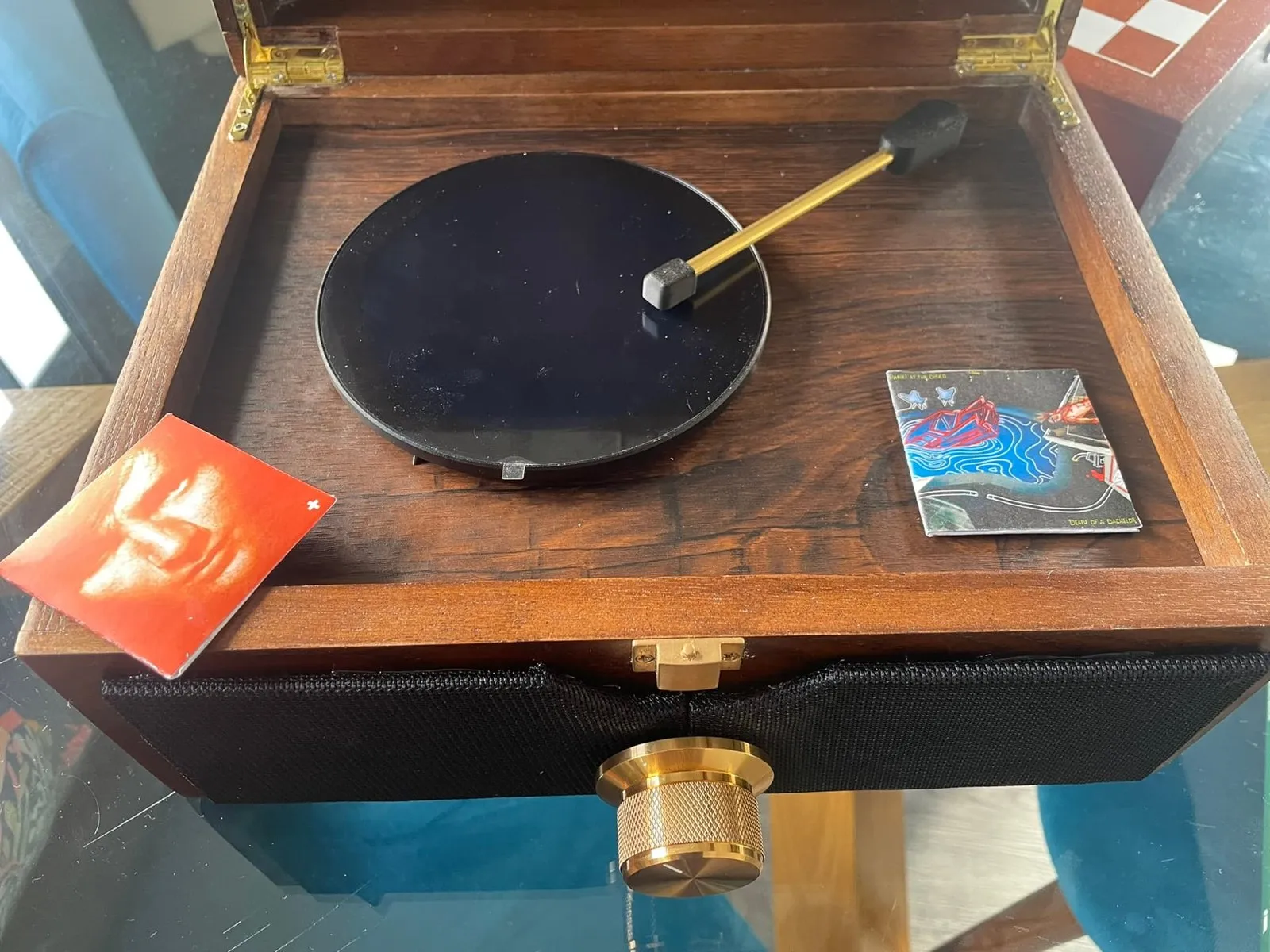
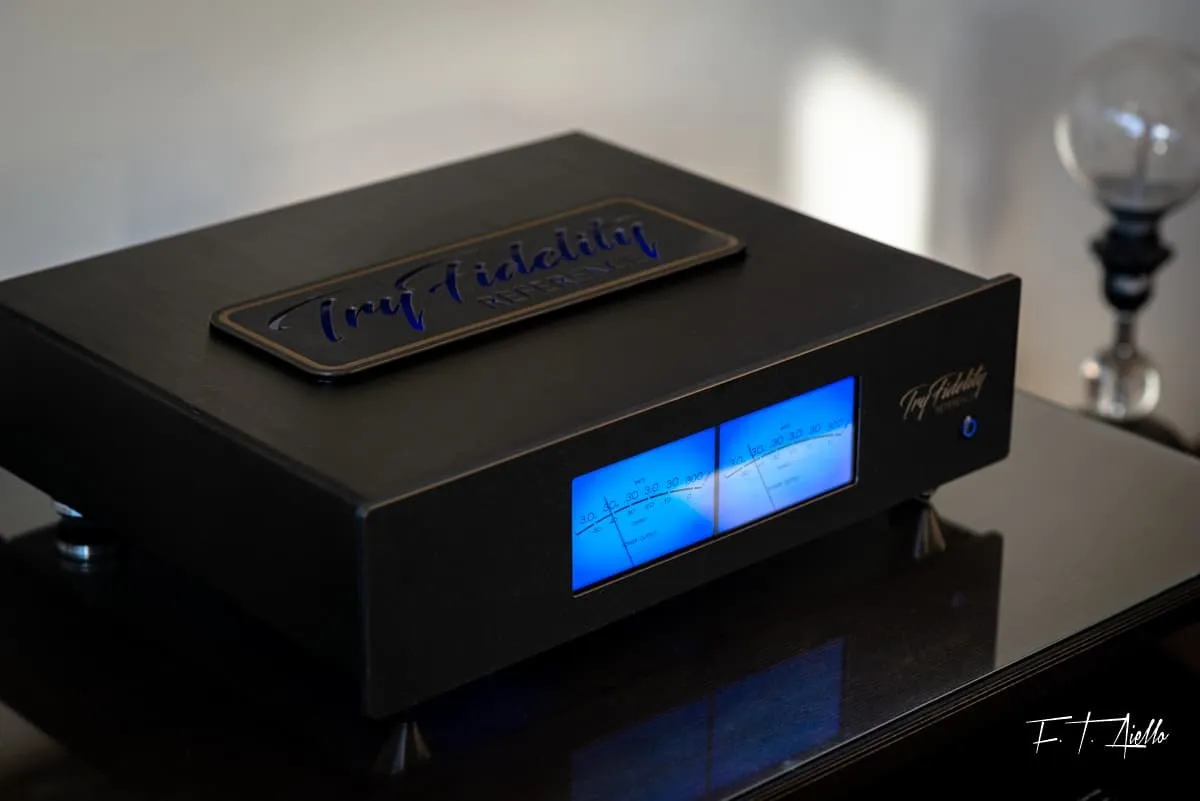
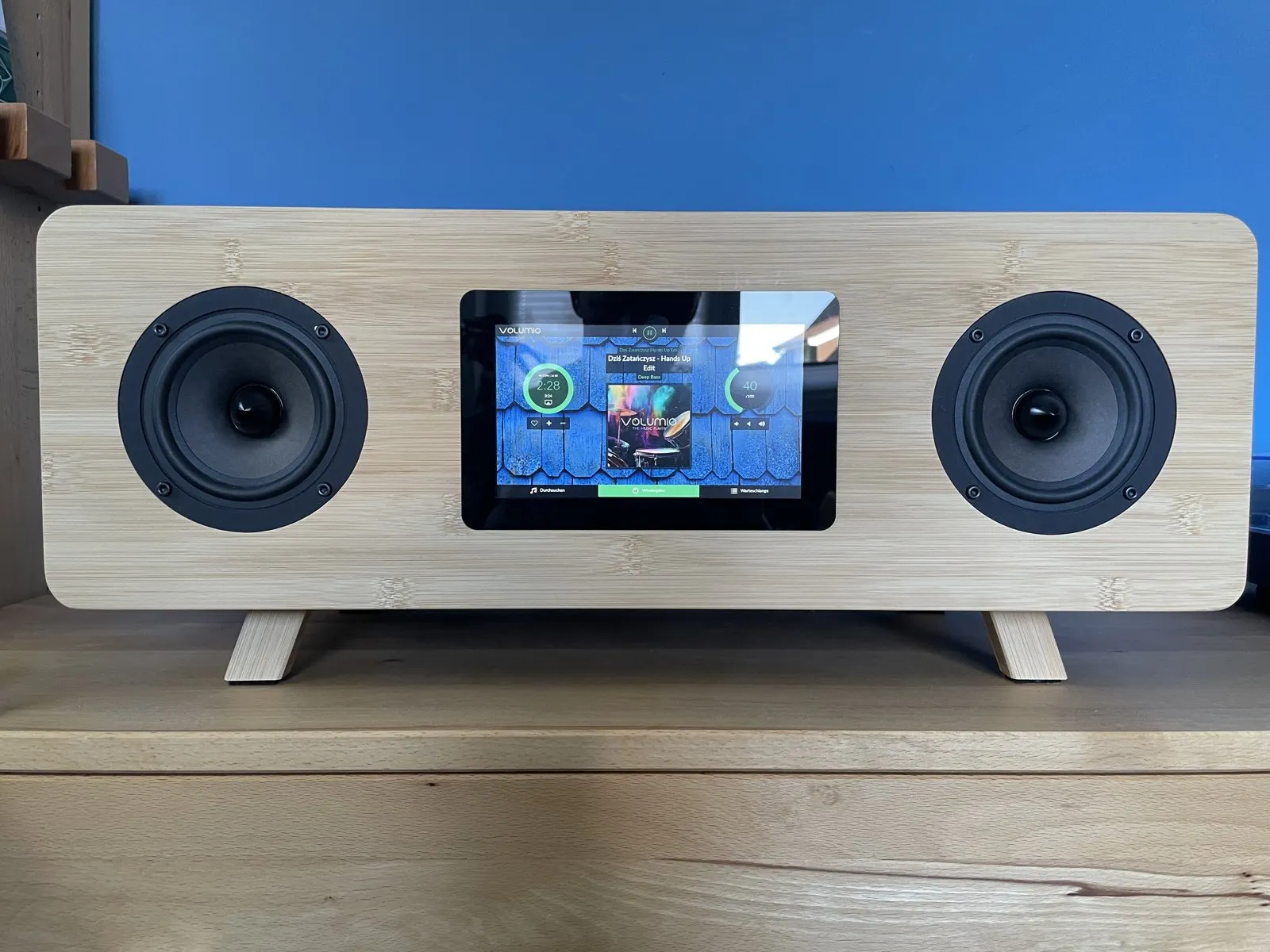
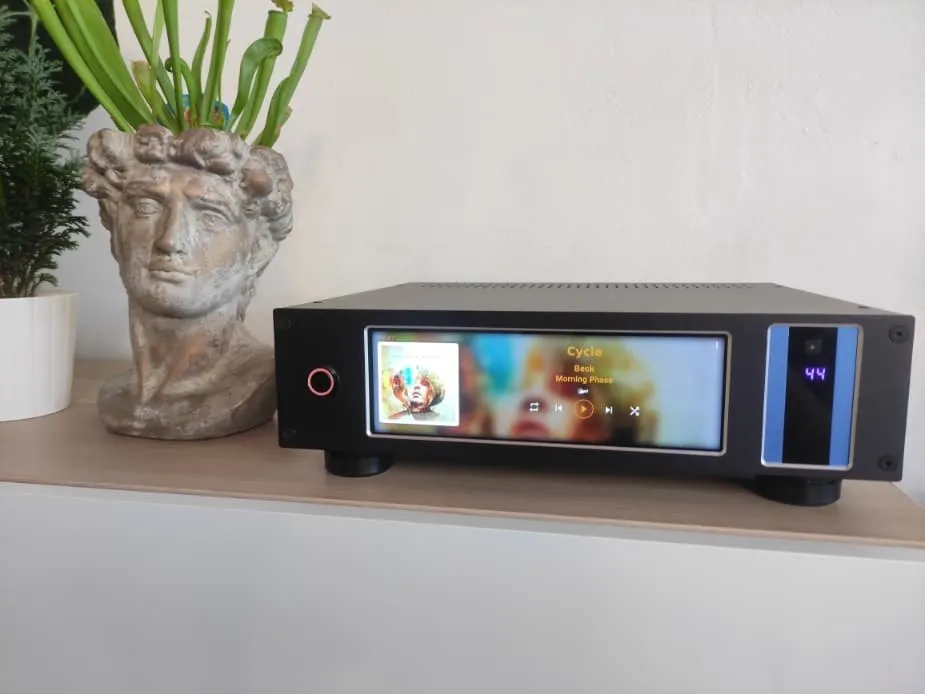
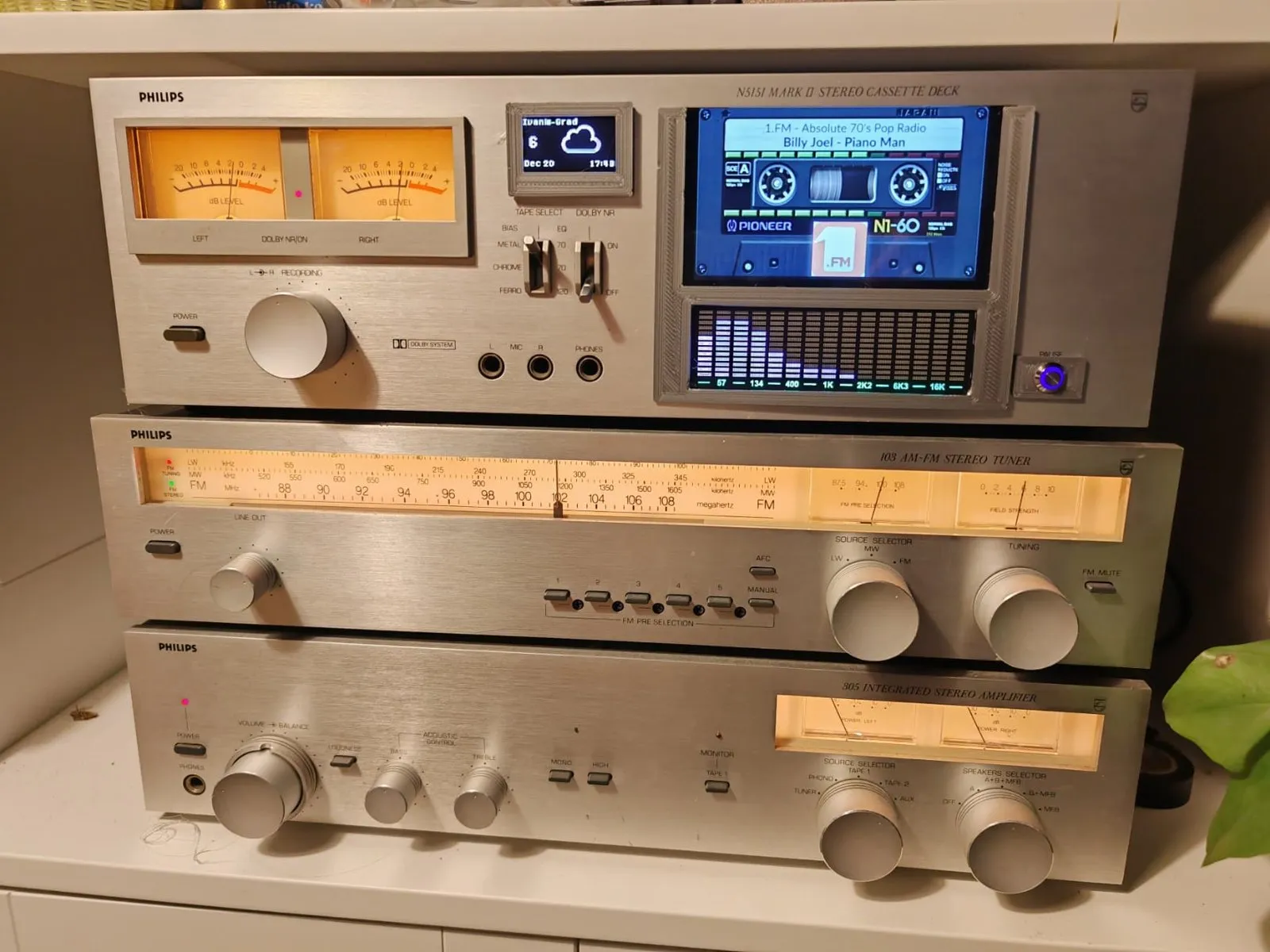
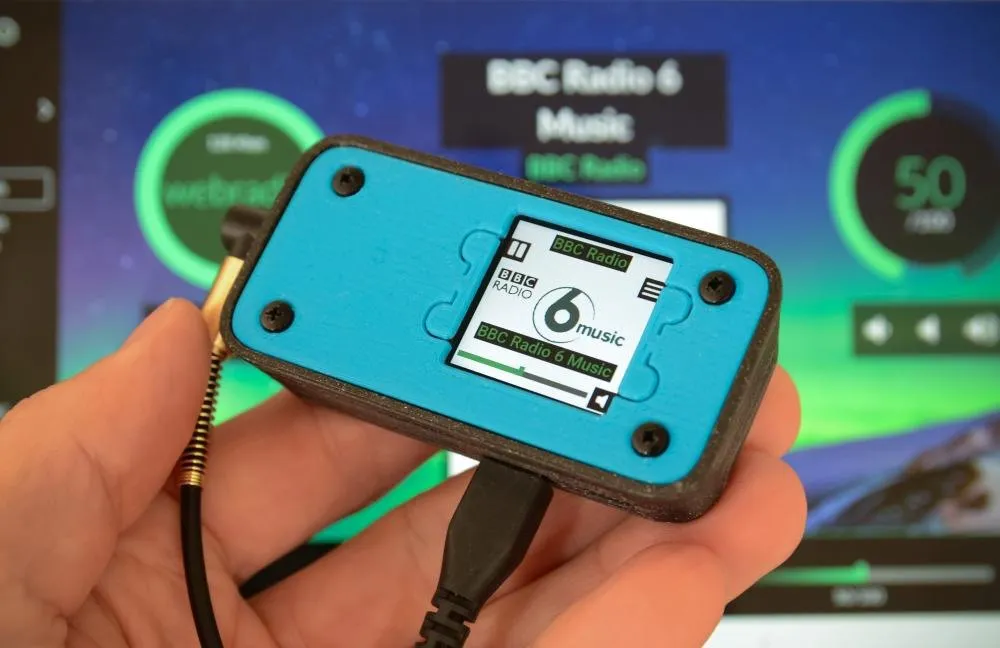
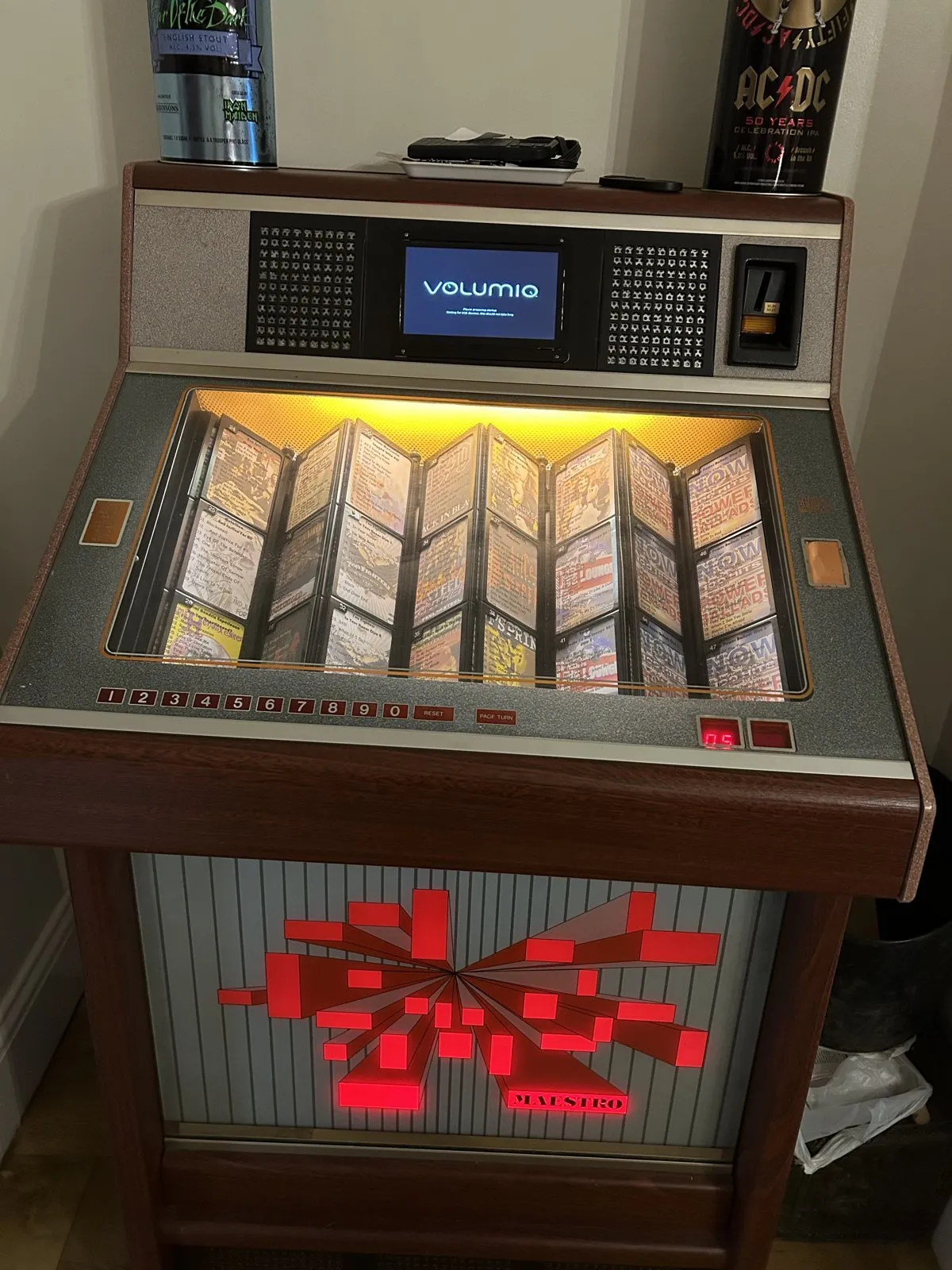
 Primo Plus
 Rivo
Rivo Preciso